
Résilier Deezer : se désabonner ou supprimer son compte (toutes les méthodes)


.png)
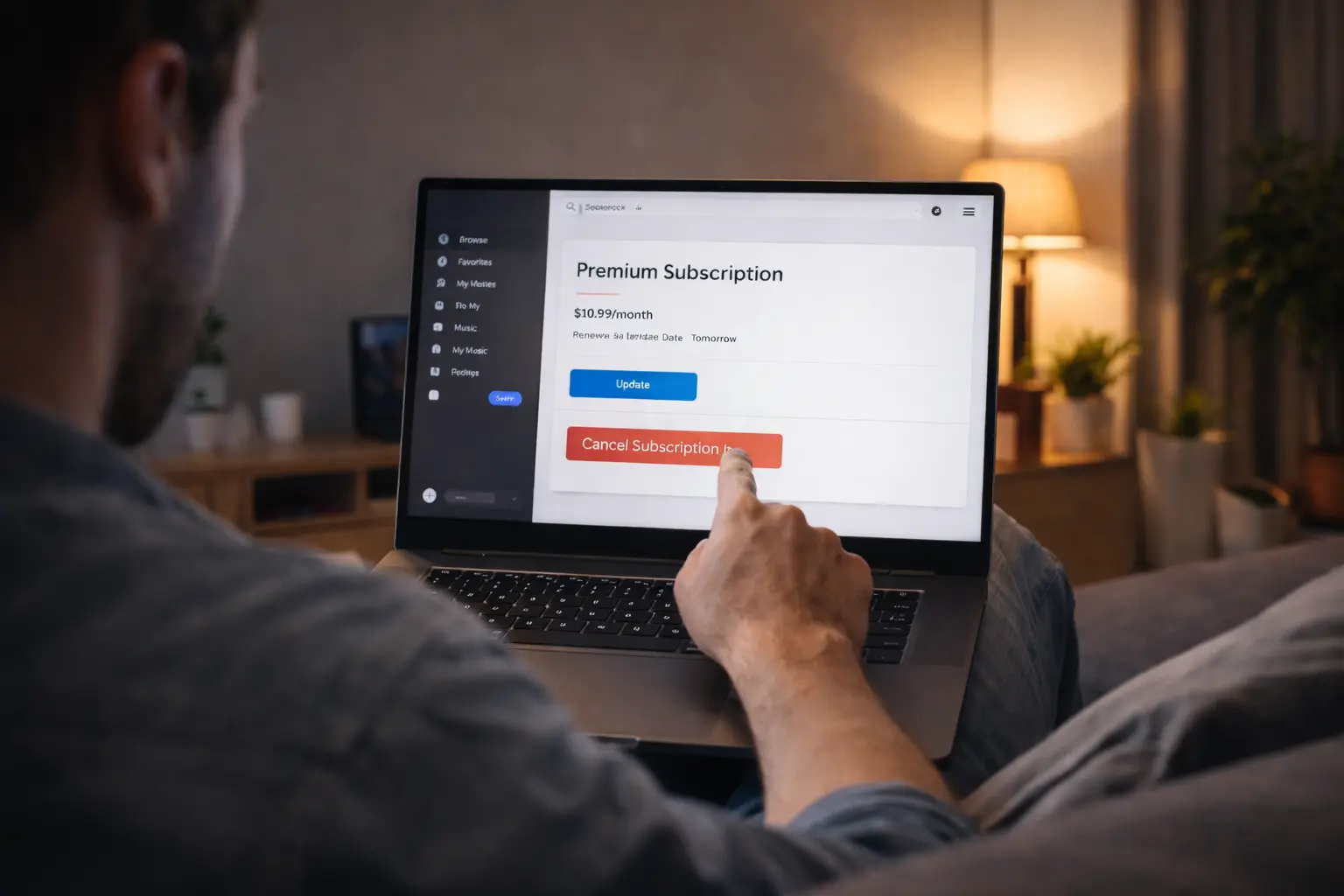
Envie d’arrêter Deezer, de faire une pause, ou simplement de ne plus être prélevé ? La bonne méthode dépend surtout d’un point : où vous avez souscrit (sur Deezer, via Apple, via Google Play, ou via un opérateur).
Dans ce guide, on voit pas à pas comment résilier Deezer, revenir au compte gratuit, et si vous le souhaitez supprimer votre compte Deezer proprement.
1. Avant de résilier Deezer : vérifiez comment vous payez
Pour éviter de cliquer au mauvais endroit (et de continuer à être facturé), commencez par identifier votre mode de facturation :
- Abonnement souscrit sur Deezer (site ou appli, paiement direct)
- Abonnement via l’App Store (Apple)
- Abonnement via Google Play (Android)
- Abonnement inclus via un opérateur (Orange, SFR, Bouygues, Free, etc.)
💡 Astuce rapide : si vous voyez la mention “géré par Apple” ou “géré par Google” dans vos informations d’abonnement, la résiliation doit se faire dans l’écosystème concerné (pas sur Deezer).
2. Comment résilier Deezer si vous avez souscrit directement chez Deezer
C’est le cas le plus simple : l’annulation se fait depuis votre compte Deezer.
Étapes (web ou application)
- Connectez-vous à votre compte Deezer.
- Ouvrez Paramètres / Gestion du compte.
- Allez dans Gérer mon abonnement.
- Cliquez sur Résilier mon abonnement puis suivez les étapes de confirmation.
✅ Une fois la résiliation confirmée :
- vous gardez Premium/Famille jusqu’à la fin de la période déjà payée ;
- ensuite, le compte bascule en version gratuite (avec publicité et limites selon l’offre).
3. Se désabonner de Deezer via Apple (iPhone / iPad / Mac)
Si vous avez souscrit depuis un iPhone/iPad, Apple gère la facturation : la résiliation se fait dans vos abonnements Apple.
Sur iPhone / iPad
- Ouvrez Réglages
- Touchez votre nom (identifiant Apple)
- Allez dans Abonnements
- Sélectionnez Deezer
- Touchez Annuler l’abonnement
Sur Mac
- Ouvrez l’App Store
- Cliquez sur votre nom
- Allez dans Réglages du compte puis Abonnements > Gérer
- Sélectionnez Deezer et annulez
📌 Important : si Deezer n’apparaît pas ici, vous n’êtes probablement pas facturé via Apple (ou vous n’êtes pas connecté au bon identifiant Apple).
4. Résilier Deezer via Google Play (Android)
Si vous vous êtes abonné sur Android via Google Play, c’est Google qui gère l’abonnement.
Étapes
- Ouvrez Google Play Store
- Touchez votre profil (en haut à droite)
- Allez dans Paiements et abonnements > Abonnements
- Sélectionnez Deezer
- Touchez Annuler l’abonnement et suivez les instructions
✅ Comme pour Apple : vous conservez l’accès Premium jusqu’à la fin de la période en cours, puis retour au gratuit.
5. Deezer inclus avec un opérateur : la résiliation se fait côté opérateur
Si Deezer est inclus dans votre forfait mobile/box, annuler sur Deezer ne suffit pas : c’est l’option chez l’opérateur qu’il faut désactiver.
- Connectez-vous à l’espace client opérateur (web ou appli)
- Repérez l’option Deezer / service musique
- Résiliez l’option ou contactez le support si besoin
📌 Ici, Deezer ne peut pas toujours “forcer” l’arrêt de la facturation, car la facturation est portée par le contrat opérateur.
6. Après la résiliation : que se passe-t-il concrètement ?
6.1. Vais-je perdre mes playlists ?
En général, non :
- votre compte Deezer reste actif,
- vos playlists et favoris restent liés au compte,
- mais certaines fonctionnalités Premium (offline, qualité HiFi, skip illimités selon l’offre) disparaissent au passage en gratuit.
6.2. Y a-t-il un remboursement ?
La plupart du temps :
- l’abonnement reste valable jusqu’à la date de fin,
- et il n’y a pas de remboursement au prorata (surtout via Apple/Google).
Si vous constatez une anomalie (double facturation, prélèvement après annulation), contactez d’abord la plateforme de paiement (Apple/Google) ou Deezer selon le cas.
7. Deezer : supprimer le compte (différent de résilier)
Résilier l’abonnement = arrêter de payer.
Supprimer le compte Deezer = fermer définitivement le compte (et potentiellement perdre l’accès à votre historique, playlists, données associées).
Comment supprimer votre compte Deezer
La suppression se fait généralement depuis le site web (plus simple qu’en appli) :
- Connectez-vous sur Deezer (navigateur web)
- Ouvrez Paramètres du compte
- Faites défiler en bas de page
- Cliquez sur Supprimer mon compte
- Confirmez avec votre mot de passe et/ou via un email de confirmation
⚠️ Avant de supprimer :
- vérifiez que votre abonnement est bien annulé,
- exportez vos playlists si vous voulez les récupérer ailleurs.
8. Pourquoi beaucoup résilient Deezer… et l’alternative simple si c’est juste une question de budget
Souvent, l’envie de résilier Deezer vient d’un problème très simple : la facture d’abonnements s’accumule (musique + streaming + applis).
Si vous utilisez Deezer régulièrement, le vrai levier n’est pas toujours d’arrêter, mais de payer moins cher.
Le principe du co-abonnement (pour Deezer et d’autres services)
Certaines offres multi-utilisateurs (type “famille”, quand elles existent) permettent de répartir le coût entre plusieurs personnes. Plutôt que de gérer ça “à la main”, une plateforme comme Spliiit permet de :
- rejoindre un abonnement partagé et payer uniquement votre part,
- ou proposer une place disponible sur votre offre,
- avec une gestion des paiements plus simple et sécurisée.
Résultat : vous gardez vos services préférés, mais le budget mensuel devient beaucoup plus léger.
FAQ – Résilier Deezer / supprimer son compte
Comment résilier Deezer sans perdre l’accès immédiatement ?
En annulant l’abonnement, vous gardez l’accès Premium jusqu’à la fin de la période déjà payée. Ensuite, le compte repasse en version gratuite.
Je ne trouve pas “résilier” dans Deezer, c’est normal ?
Oui, si l’abonnement est géré par Apple, Google Play ou un opérateur, le bouton peut ne pas apparaître au même endroit. Dans ce cas, l’annulation se fait dans vos abonnements Apple/Google ou côté opérateur.
Se désabonner de Deezer suffit-il pour supprimer le compte ?
Non. Se désabonner arrête la facturation, mais le compte existe toujours. Pour fermer définitivement, il faut lancer la suppression depuis les paramètres du compte.
Deezer : supprimer compte, est-ce réversible ?
Une suppression est généralement considérée comme définitive. Avant de valider, sauvegardez ce que vous souhaitez conserver (playlists, titres favoris, etc.).
À retenir
- Pour résilier Deezer, la méthode dépend de votre mode de souscription (Deezer, Apple, Google Play, opérateur).
- Après résiliation, l’accès Premium continue jusqu’à la fin de la période payée, puis retour au gratuit.
- Si vous voulez fermer définitivement, Deezer : supprimer compte se fait depuis les paramètres (souvent plus simple via le site web).
- Si l’objectif est surtout de réduire la facture, le co-abonnement via Spliiit peut éviter de couper un service que vous utilisez vraiment.
Foire aux questions
Deezer





















