
Qu'est-ce qu'un logiciel malveillant ?


.png)
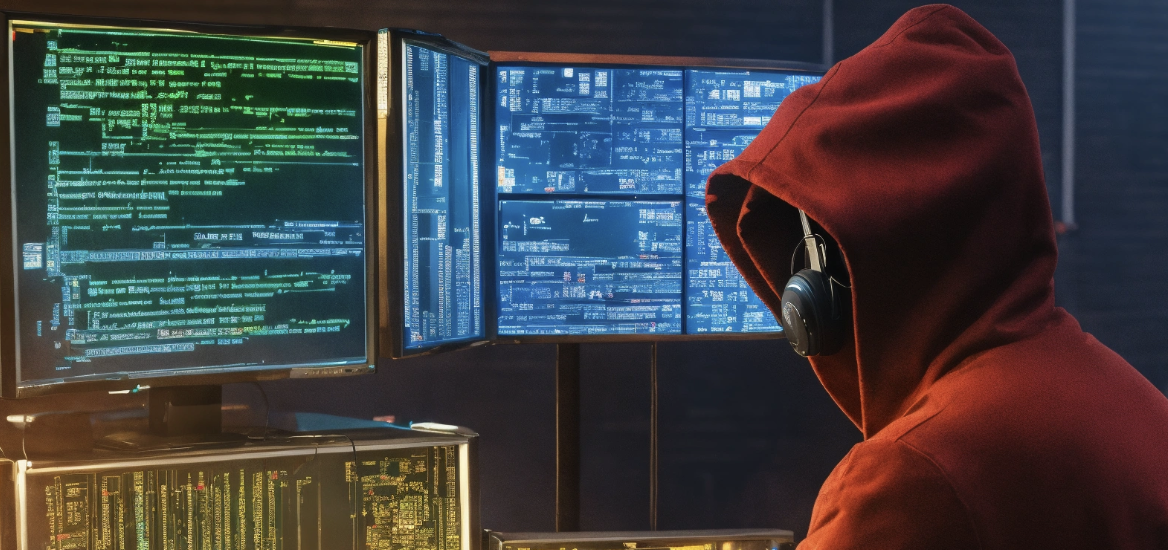
Un logiciel malveillant, ou malware, désigne un programme informatique conçu dans le but de causer des dommages, infiltrer un système ou voler des données. Les malwares constituent une menace majeure pour les particuliers, les entreprises et les institutions, car ils peuvent non seulement endommager des appareils, mais aussi compromettre des informations sensibles. Des simples virus aux ransomwares sophistiqués, les logiciels malveillants adoptent des formes variées, chacune ayant des caractéristiques spécifiques. Dans cet article, découvrez les différents types de malwares et les meilleures pratiques pour s’en protéger.
🔒 Les différents types de logiciels malveillants
Voici les principaux types de malwares et leur mode de fonctionnement :
- Virus : Un virus est un programme qui s’attache à un fichier ou à un logiciel et se propage en infectant de nouveaux fichiers lorsqu’il est exécuté. Les virus sont conçus pour causer des dommages, tels que la suppression ou la modification de données.
- Chevaux de troie : Les chevaux de Troie se déguisent en logiciels légitimes pour tromper les utilisateurs. Une fois installés, ils permettent aux cybercriminels d'accéder à vos données personnelles, telles que vos identifiants ou documents sensibles, sans votre consentement.
- Ransomware : Ce malware chiffre vos fichiers et exige une rançon pour les débloquer. Les ransomwares sont particulièrement redoutés, car ils visent souvent des entreprises, des hôpitaux ou des administrations publiques, causant d’énormes pertes financières et opérationnelles.
- Spyware : Les logiciels espions collectent discrètement des informations sur vos activités. Ils peuvent surveiller votre historique de navigation, enregistrer vos identifiants ou capturer des données confidentielles, tout cela sans que vous vous en rendiez compte.
- Adware : Les adwares affichent des publicités non désirées sur vos appareils. Bien que souvent moins nuisibles, ils peuvent ralentir vos systèmes et collecter des informations sur vos habitudes de navigation pour diffuser des annonces ciblées.
⛔ Comment se protéger des logiciels malveillants ?
Voici les meilleures pratiques pour éviter les malwares et sécuriser vos données :
- Installez un antivirus à jour : Les antivirus sont votre première ligne de défense. Ils détectent et bloquent les menaces avant qu’elles n’endommagent votre système. Assurez-vous de toujours les mettre à jour.
- Téléchargez uniquement depuis des sources fiables : Évitez de télécharger des fichiers depuis des sites douteux ou non officiels. Privilégiez les plateformes reconnues pour minimiser les risques.
- Effectuez des mises à jour régulières : Les mises à jour corrigent les failles de sécurité que les malwares exploitent. Veillez à ce que votre système et vos logiciels soient toujours à jour.
- Activez un pare-feu : Un pare-feu bloque les connexions suspectes et empêche les applications malveillantes d’envoyer vos données à des tiers.
- Sauvegardez vos données régulièrement : En cas d’attaque (par exemple un ransomware), des sauvegardes vous permettront de restaurer vos fichiers sans devoir payer de rançon.
- Souscrivez un logiciel de sécurité avec Spliiit : Pour une protection optimale, optez pour des outils de cybersécurité tels que des VPN, des gestionnaires de mots de passe ou des antivirus. Spliiit vous permet d'accéder à ces services premium à moindre coût grâce au partage d’abonnements.
Voici quelques exemples disponibles sur notre plateforme :
- NordVPN : À partir de 2,53 €/mois.
- CyberGhost : À partir de 1,79 €/mois.
- Dashlane : À partir de 1,69 €/mois.
- Proton VPN : À partir de 2,04 €/mois.
- Bitdefender : À partir de 1,60 €/mois.
- Norton 360 : À partir de 1,54 €/mois.
- LastPass : À partir de 1,67 €/mois.
- McAfee : À partir de 1,96 €/mois.
- Mullvad : À partir de 2,04 €/mois.
- Avast : À partir de 1,81 €/mois.
Tarifs en vigueur en décembre 2024.
Astuces pour une protection optimale
💡 Restez vigilant : Méfiez-vous des liens ou pièces jointes provenant d’expéditeurs inconnus. Ne cliquez pas sur des liens suspects et méfiez-vous des e-mails provenant d’expéditeurs inconnus.
💡 Vérifiez les certificats de sécurité : Assurez-vous que les sites web affichent une connexion sécurisée (HTTPS).
💡 Utilisez des mots de passe forts et uniques : Associez lettres, chiffres et caractères spéciaux pour rendre vos mots de passe plus robustes.
💡 Activez l’authentification à deux facteurs (2FA) : Ajoutez une couche supplémentaire de sécurité pour vos comptes sensibles.
Conclusion
Les logiciels malveillants représentent une menace sérieuse, mais une vigilance accrue et des pratiques de sécurité adaptées peuvent considérablement réduire les risques. En investissant dans des outils fiables comme les antivirus, en évitant les comportements à risque, et en sauvegardant vos données régulièrement, vous pouvez protéger vos appareils et vos informations personnelles.
Pour une sécurité renforcée et un accès abordable aux meilleurs outils de protection, pensez à partager un abonnement vos abonnements "sécurité" sur Spliiit. En quelques clics, vous bénéficiez d’une solution simple et économique pour sécuriser votre navigation.
Naviguez en toute tranquillité ! 🌐
Foire aux questions
Qu’est‑ce qu’un logiciel malveillant ?
Quels sont les principaux types de malwares ?
Comment se protéger contre les logiciels malveillants ?
LeVPN





















